


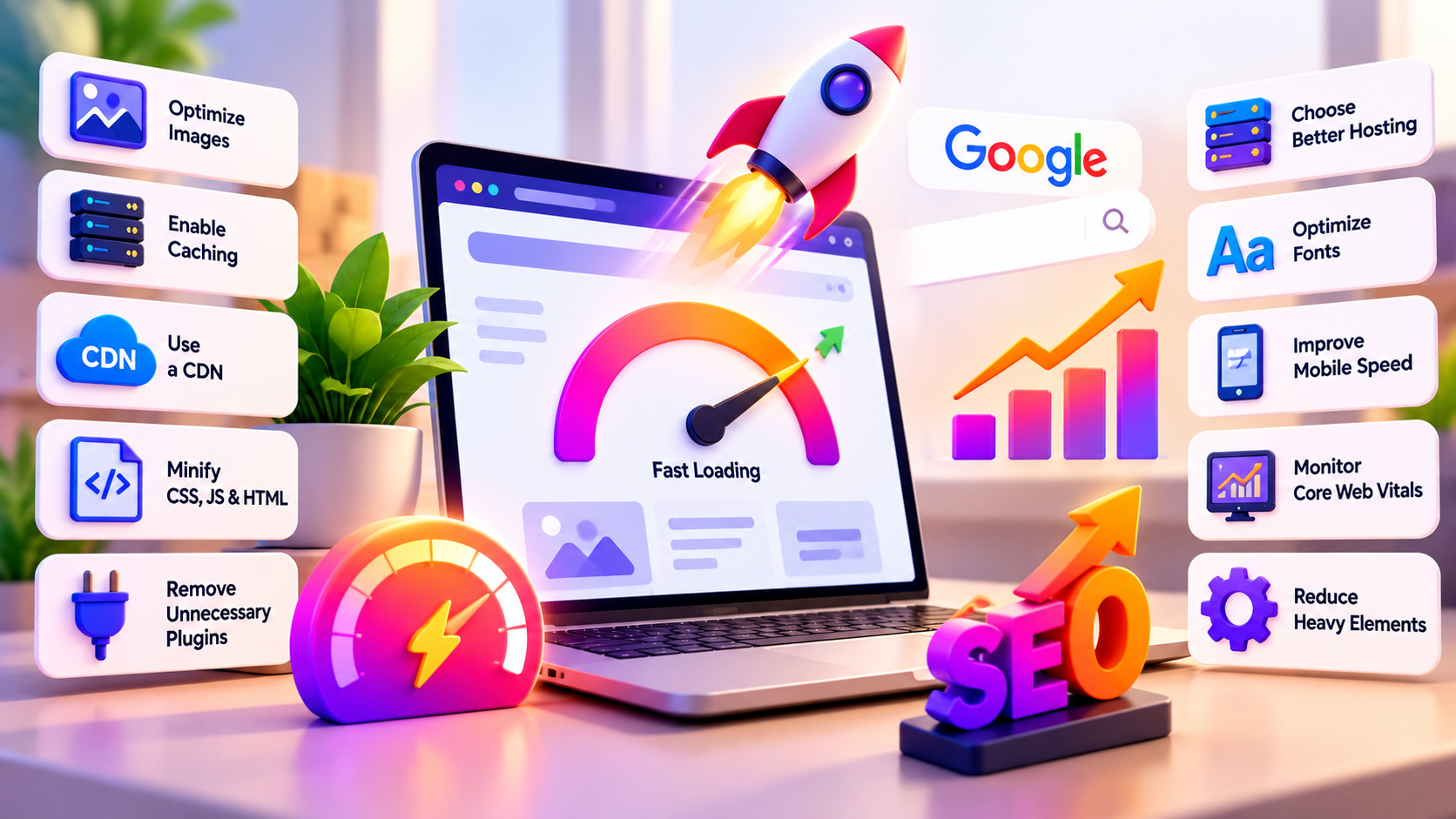
10 Website Speed Optimization Tips to Rank Higher on Google
A slow website can frustrate visitors, reduce conversions, and make it harder to deliver a good experience on mobile devices. When someone visits your website, they expect the page to load quickly, images to appear properly, and buttons to respond without unnecessary delays. If these things do not happen, visitors may leave before they even read your content.
This is why website speed optimization should be an important part of your website maintenance and SEO strategy. A faster website makes it easier for visitors to access information, browse products, complete forms, and move between pages.
Website performance also matters for search visibility. Google uses several signals to understand the experience a page provides, including Core Web Vitals. However, speed alone does not guarantee higher rankings. Your content, relevance, technical SEO, backlinks, and overall user experience still matter.
The good news is that you do not always need an expensive redesign to improve performance. Optimizing images, enabling caching, reducing unnecessary scripts, and improving hosting can make a meaningful difference.
In this guide, you will learn 10 practical website speed optimization techniques that can help improve loading performance, user experience, and your website’s SEO foundation.
Why Website Speed Optimization Matters for SEO
Imagine searching for a service, clicking a result, and waiting several seconds for the page to become usable. You might return to Google and choose another website. Your visitors face the same situation when your pages load slowly.
Effective website speed optimization helps reduce unnecessary waiting and makes your website easier to use. This matters for business websites, blogs, landing pages, and e-commerce stores.
Website speed can influence several aspects of your online performance:
- User experience: Visitors can access important information more quickly.
- Conversions: A smoother experience can reduce friction during purchases and form submissions.
- Mobile usability: Optimized pages are easier to use on mobile connections and devices.
- Search performance: Good page experience supports your broader SEO efforts.
- Website maintenance: Removing unnecessary code and plugins can simplify your setup.
Google recommends paying attention to Core Web Vitals, which measure loading performance, responsiveness, and visual stability. You can review Google’s guidance in its official documentation on Core Web Vitals and Google Search.
Remember that website speed optimization is not about chasing a perfect score in every testing tool. The real goal is to make your website fast, stable, and responsive for actual visitors.
1. Test Your Website Speed Before Making Changes
Before changing your website, find out what is slowing it down. Without a baseline, you may spend hours adjusting settings that have little impact on performance.
Start by testing your homepage, important service pages, blog posts, and product pages. A homepage might load quickly while a page containing a large gallery, embedded video, or complex form performs poorly.
Google PageSpeed Insights is a useful starting point. It provides performance measurements and recommendations for both mobile and desktop experiences.
Use Google PageSpeed Insights to check your website and review the opportunities listed in the report.
Pay particular attention to these measurements:
- Largest Contentful Paint (LCP): Measures how quickly the main content becomes visible. A good target is 2.5 seconds or less.
- Interaction to Next Paint (INP): Measures responsiveness to user interactions. A good target is 200 milliseconds or less.
- Cumulative Layout Shift (CLS): Measures unexpected movement of page elements. A good target is 0.1 or less.
These recommended thresholds are assessed at the 75th percentile of page loads. Real-world results can differ depending on devices, network conditions, and visitor behavior.
You should also distinguish between laboratory measurements and real-user data. A single test shows how a page performs under specific conditions, while field data helps reveal what visitors experience over time.
For effective website speed optimization, test important pages before and after changes. Save your results so you can compare improvements rather than relying on assumptions.
2. Compress Images and Use Modern Formats
Large images are one of the most common reasons websites load slowly. High-resolution photography, banners, product galleries, and decorative graphics can increase page size significantly.
You do not need to remove every image to improve performance. You need to deliver images at an appropriate size and quality.
Start by reviewing the images on your most important pages. If a banner appears at a width of approximately 1,200 pixels, uploading a 5,000-pixel image may provide little visible benefit while increasing the amount of data visitors must download.
Consider these image optimization practices:
- Resize images to suit their actual display dimensions.
- Compress images before uploading them.
- Use WebP or AVIF when supported by your workflow.
- Avoid unnecessarily large PNG files for photographic content.
- Specify image width and height to reduce layout shifts.
- Use responsive images where appropriate.
- Add descriptive alt text for meaningful images.
You can also use lazy loading for images that appear further down the page. However, do not lazy-load the main image that visitors need to see immediately, especially when it is the page’s largest content element.
For WordPress websites, review your image optimization workflow and check whether your theme or existing plugins already provide the features you need.
Good image handling is one of the most practical parts of website speed optimization because it can reduce page weight without requiring a complete redesign.
3. Enable Caching to Reduce Loading Time
When someone visits a website, the server may need to process application code, retrieve database information, and generate the requested page. Repeating this work for every visit can waste resources.
Caching stores certain results so they can be reused instead of generated from scratch each time. This can reduce processing time and server workload.
There are different types of caching, including:
Page caching: Stores a ready-to-serve version of a page when appropriate.
Browser caching: Allows browsers to reuse eligible files such as images, stylesheets, and JavaScript instead of downloading them again unnecessarily.
Object caching: Stores frequently requested data to reduce repeated database work.
Server-side caching: Uses server infrastructure to reduce the amount of processing needed to respond to requests.
If you use WordPress, check whether your hosting provider already offers page caching. Some hosting plans include built-in performance features, so installing another plugin without checking your existing setup can create unnecessary complexity.
The official WordPress performance optimization guide explains caching, hosting, software, images, and other factors that affect performance.
For successful website speed optimization, configure caching carefully. E-commerce carts, account pages, and personalized content may need different caching rules from ordinary blog posts.
After enabling caching, clear the cache and test your website again. Make sure updated content appears correctly and important features still work.
4. Choose Reliable and Performance-Focused Hosting
Your hosting provider affects how quickly your website can process requests and deliver content. Even a well-optimized website may struggle if its server has limited resources or responds slowly.
Cheap hosting is not automatically bad, but it may become a problem when your website grows, receives more traffic, or runs resource-intensive plugins.
When evaluating hosting, consider the following:
- Server response time.
- Available CPU and memory resources.
- Storage technology and performance.
- PHP and database configuration for WordPress.
- Server location and CDN availability.
- Backup and security features.
- Support quality and upgrade options.
- Resource limits during traffic spikes.
For a small blog, a suitable shared hosting plan may be enough. A growing business website or online store may benefit from a better-managed hosting environment.
Before upgrading, check your server response time and resource usage. If the server is consistently slow or frequently reaches its limits, changing hosting may be more effective than adding another optimization plugin.
Hosting improvements can support website speed optimization, but the most expensive plan is not always necessary. Choose a setup that matches your website’s traffic, technical requirements, and budget.
5. Minify CSS, JavaScript, and HTML
Websites use HTML to structure content, CSS to control appearance, and JavaScript to provide interactive features. These files can become larger than necessary when they contain extra whitespace, comments, or repetitive code.
Minification removes unnecessary characters without changing the intended functionality of the code.
For example, a CSS file containing many spaces and line breaks can often be reduced in size without affecting the page’s appearance.
You can consider minifying:
- CSS files.
- JavaScript files.
- HTML output.
However, minification is not a complete solution by itself. A large script can remain expensive to execute even after its file size has been reduced.
You should also review unused CSS and JavaScript. If a plugin loads scripts across every page when they are only needed on one page, it may add unnecessary work to the browser.
When applying website speed optimization settings, test your navigation menus, contact forms, sliders, pop-ups, checkout, and other interactive elements. Some scripts may conflict with aggressive optimization settings.
If a feature breaks after minification or script optimization, disable the relevant setting and identify the cause before applying it again.
For WordPress users, make one change at a time. This makes it easier to identify which setting improves performance and which one creates problems.
6. Reduce Unnecessary Plugins and Third-Party Scripts
Installing a plugin is easy. Maintaining dozens of plugins that overlap in functionality is another matter.
Every plugin can introduce additional code, database activity, external requests, or administrative complexity. Not every plugin affects performance equally, but unnecessary tools can make a website harder to maintain.
Start by reviewing the plugins installed on your WordPress website.
Ask yourself:
- Is this plugin still being used?
- Does another plugin already provide the same feature?
- Does it load scripts on pages where they are not needed?
- Is it regularly updated and supported?
- Does the website genuinely need this functionality?
Remove plugins that are no longer required, but take a backup and verify the effects before deleting anything important.
Third-party scripts deserve the same attention. Analytics tools, chat widgets, advertising pixels, social media embeds, booking tools, and tracking scripts may add requests or execute JavaScript.
Do not remove essential business tools simply to improve a score. Instead, prioritize the scripts that provide measurable value and delay non-essential scripts where appropriate.
For example, a chat widget may not need to load immediately if visitors can first access your page content. A video embed below the fold may not need to download all its resources before the visitor reaches it.
This kind of website speed optimization helps reduce unnecessary work while preserving the features your business actually uses.
7. Use a Content Delivery Network (CDN)
A content delivery network distributes eligible website resources through servers located in different geographic regions. Visitors can often retrieve static files from a location closer to them rather than requesting every file from your main server.
A CDN can help deliver images, stylesheets, JavaScript files, and other supported resources more efficiently.
This can be especially useful when your audience is spread across different cities or countries. A business serving customers internationally may benefit from a CDN even if its main hosting server is located in only one region.
A CDN may also provide additional features, depending on the provider, such as traffic protection, caching controls, and image optimization.
However, a CDN does not automatically fix every performance issue. If your website generates pages slowly because of inefficient database queries or heavy application code, those problems may still need attention.
For website speed optimization, consider combining a CDN with suitable server caching and optimized media files. Check whether your hosting provider already includes CDN functionality before purchasing a separate service.
After configuration, test your important pages from different locations if possible. Verify that images, fonts, scripts, and other resources load correctly.
8. Optimize Fonts and Improve Visual Stability
Custom fonts can make a website look more professional, but they also introduce additional files that browsers must download and process.
Using too many font families, weights, and styles can increase page weight. For example, loading several font families with multiple weights may add unnecessary requests when two carefully selected font weights would be enough.
To optimize fonts:
- Use only the font families your design needs.
- Limit unnecessary font weights and styles.
- Prefer efficient font formats such as WOFF2 where supported.
- Consider hosting fonts locally when appropriate.
- Use suitable fallback fonts.
- Configure font loading carefully to avoid invisible text or disruptive changes.
You should also prevent layout shifts. If an image, advertisement, embedded video, or banner loads without reserved space, nearby content may move unexpectedly.
Specify dimensions for images and video containers. Reserve space for dynamic content where possible, and avoid inserting new elements above content that a visitor is already reading.
These changes can improve the visual stability measured by CLS.
A good website speed optimization strategy considers how a page behaves while loading, not just how quickly it appears to finish loading. Visitors should be able to read and interact with content without the layout jumping around.
9. Improve Mobile Performance and Reduce Heavy Page Elements
Mobile performance deserves special attention because many people browse websites using phones and mobile networks. A page that feels acceptable on a fast desktop connection may feel slow on a less powerful phone.
Start by testing your website in Google’s mobile performance report. Then review the elements that take the longest to load or respond.
Large hero banners, autoplay videos, animated backgrounds, complex sliders, excessive pop-ups, and unnecessary decorative effects can make pages heavier.
Consider replacing a rotating slider with one strong static banner if the additional slides do not provide meaningful value. Use video only when it contributes to the page’s purpose, and avoid loading large media files before visitors need them.
You should also make buttons easy to tap, keep text readable, and ensure that important content appears without requiring excessive scrolling.
For mobile website speed optimization, prioritize the content visitors need first. Your headline, main message, primary image, and call to action should load efficiently.
Do not assume that a desktop score tells the complete story. Test mobile and desktop separately because their performance can differ significantly.
10. Monitor Core Web Vitals and Maintain Performance
Website speed optimization is not a one-time task. New plugins, theme updates, tracking scripts, content changes, and larger images can gradually affect performance.
Create a routine for checking your website after significant changes. You do not need to test every page every day, but you should monitor important templates and landing pages regularly.
Use these resources:
- Google Search Console to review available Core Web Vitals reports and identify groups of URLs that may need attention.
- web.dev’s Web Vitals guide to understand performance metrics and measurement.
- PageSpeed Insights to investigate specific pages and review recommendations.
Remember that laboratory scores and field data serve different purposes. A lab test can help identify a possible problem, while real-user data helps show how visitors experience your website over time.
When monitoring website speed optimization, track changes rather than focusing on a single number. If a new plugin causes a performance decline, investigate it. If an image compression change improves loading without reducing quality, apply the same approach to similar images.
Also maintain your website software, theme, and plugins. Updates can provide security fixes and performance improvements, although you should test important changes before applying them to a live business website.
Consistent monitoring helps you catch problems early instead of waiting until customers complain that the website has become slow.
Common Website Speed Optimization Mistakes to Avoid
Even well-intentioned changes can create problems when applied without testing.
Installing Multiple Optimization Plugins
Several plugins may attempt to minify the same files, manage caching, or delay JavaScript. This can cause conflicts and make troubleshooting difficult.
Choose a compatible setup and avoid duplicating features.
Lazy-Loading Every Image
Lazy loading is useful for images further down the page, but delaying the main image visible immediately can hurt loading performance.
Prioritize the content that visitors need to see first.
Chasing a Perfect PageSpeed Score
A score of 100 is not a guarantee of high rankings or strong conversions. Real-world user experience and useful content matter more than a number displayed by a testing tool.
Ignoring Mobile Testing
A website may perform well on desktop but struggle on mobile because of large media files, heavy scripts, or limited device resources.
Always test both experiences.
Making Too Many Changes at Once
If you change caching, scripts, images, hosting, and theme settings simultaneously, it becomes difficult to identify which change caused an improvement or a problem.
Make controlled changes and test the results.
Avoiding these mistakes makes website speed optimization easier to manage and reduces the risk of breaking important website features.
How Website Speed Optimization Supports Better SEO
A faster website can make it easier for visitors to access your content and complete important actions. It can also help reduce technical barriers that interfere with a good page experience.
However, improving speed does not guarantee that a page will rank higher. Google considers many factors when deciding which pages to show for a search query.
For stronger SEO results, combine performance improvements with:
- Helpful content that answers the searcher’s question.
- Clear page titles and meta descriptions.
- Relevant internal links.
- Mobile-friendly page layouts.
- Descriptive headings and image alt text.
- Secure website connections.
- Useful product and service information.
- A logical website structure.
If you need help with technical SEO, website improvements, or digital marketing, explore DigiBrandUp’s services. You can also read more practical marketing and website guides on the DigiBrandUp blog.
The goal of website speed optimization is to support the overall quality of your website. When pages load efficiently, content is easy to use, and the site answers visitors’ needs, you create a stronger foundation for sustainable organic growth.
Frequently Asked Questions
What is website speed optimization?
Website speed optimization is the process of improving how quickly a website loads, responds to interactions, and displays content. Common techniques include image compression, caching, code optimization, reliable hosting, and reducing unnecessary scripts.
Does website speed affect Google rankings?
Page experience and Core Web Vitals are part of Google’s broader search considerations, but speed alone does not guarantee higher rankings. Relevant content, search intent, technical SEO, competition, and other factors also matter.
What is a good website loading speed?
There is no single loading-time number that guarantees good performance. Google recommends an LCP of 2.5 seconds or less, an INP of 200 milliseconds or less, and a CLS of 0.1 or less for a good Core Web Vitals experience.
How can I check my website speed for free?
You can use Google PageSpeed Insights to test individual pages and review performance recommendations. Google Search Console can also provide Core Web Vitals information when sufficient data is available.
Can WordPress plugins improve website speed?
Yes, suitable caching and optimization plugins can help. However, results depend on your hosting, theme, existing configuration, and the plugins you use. Avoid installing overlapping tools without testing compatibility.
How often should I check website speed?
Test important pages after significant changes to your theme, plugins, hosting, or scripts. Review performance regularly and monitor Core Web Vitals over time instead of relying on one test.
Does image compression improve website speed?
Image compression can reduce the amount of data browsers need to download. The impact depends on how large the original images are and how much compression is possible without reducing visual quality.
Can a CDN make my website faster?
A CDN can help deliver eligible static resources from servers closer to visitors. Its impact depends on audience location, existing hosting, caching configuration, and the types of resources your website serves.
Final Thoughts
A fast website is easier to use, more pleasant to browse, and better prepared to serve visitors across different devices. You do not need to apply every technical change at once to see progress.
Start by testing your important pages. Compress oversized images, configure caching, review hosting performance, remove unnecessary scripts, and monitor Core Web Vitals. Test each change so you know what actually helps.
The most effective website speed optimization strategy is one that combines measurable performance improvements with useful content, clear navigation, and a reliable website experience.
Treat speed as an ongoing part of your SEO work rather than a one-time project. Small, carefully tested improvements can help maintain a better experience as your website grows.